Peter Grist
Quizzes Vs. Tests
When it comes to testing a learner’s knowledge in an e-learning course, the two most used methods are quizzes and tests. In this article I will briefly explain what each is and when to use it, along with the benefits of each.
WHAT IS A QUIZ?
The official definition of a quiz is “a test of knowledge”. In an e-learning course, these are usually used to check the learner’s knowledge at the end of each topic or module.
They can consist of multiple-choice question types, but are often more interactive, such as drag and drop activities, match the columns, etc. and often have no score associated with them but rather a refresher of the content in question.
WHERE SHOULD YOU PLACE A QUIZ?
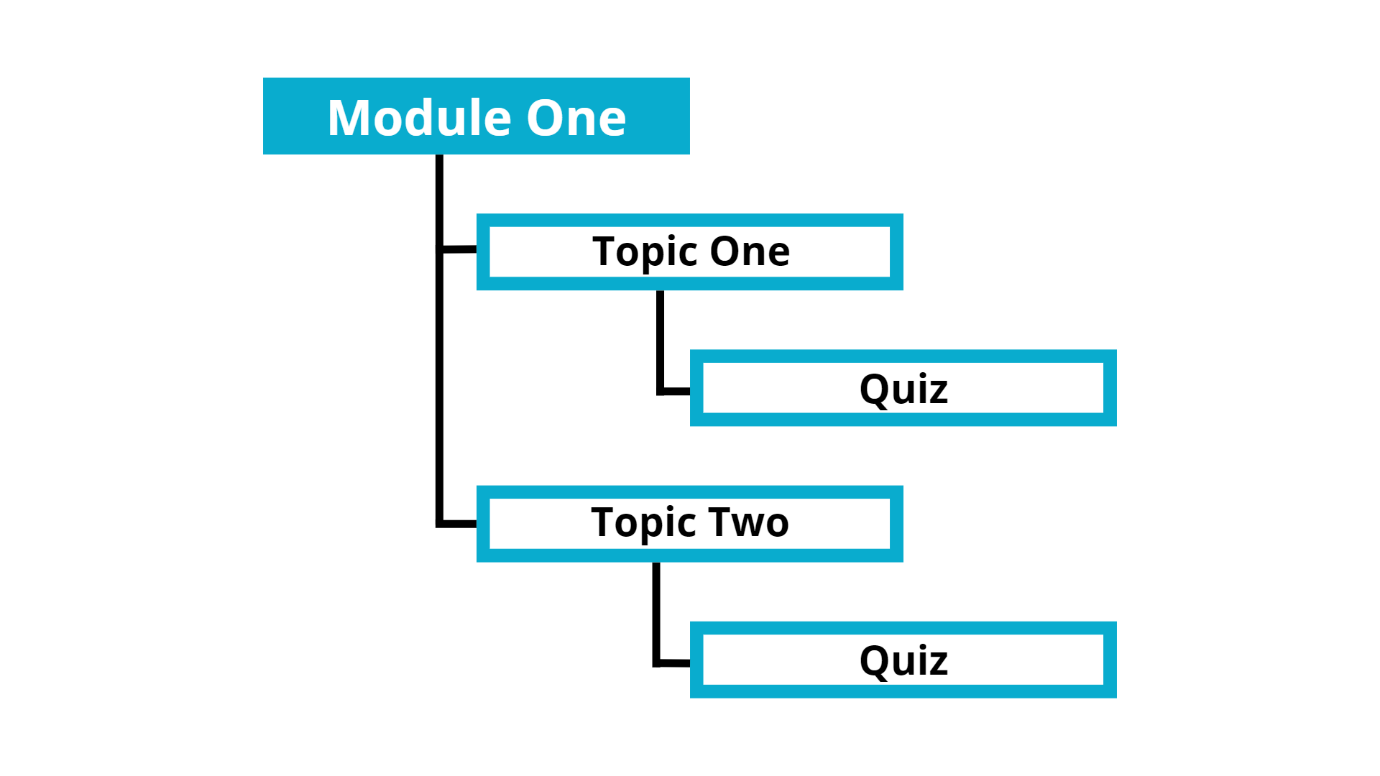
This would depend on how your course is structured and how many quizzes you have in each. Some courses add a single quiz question after each topic, as seen in the below structure:
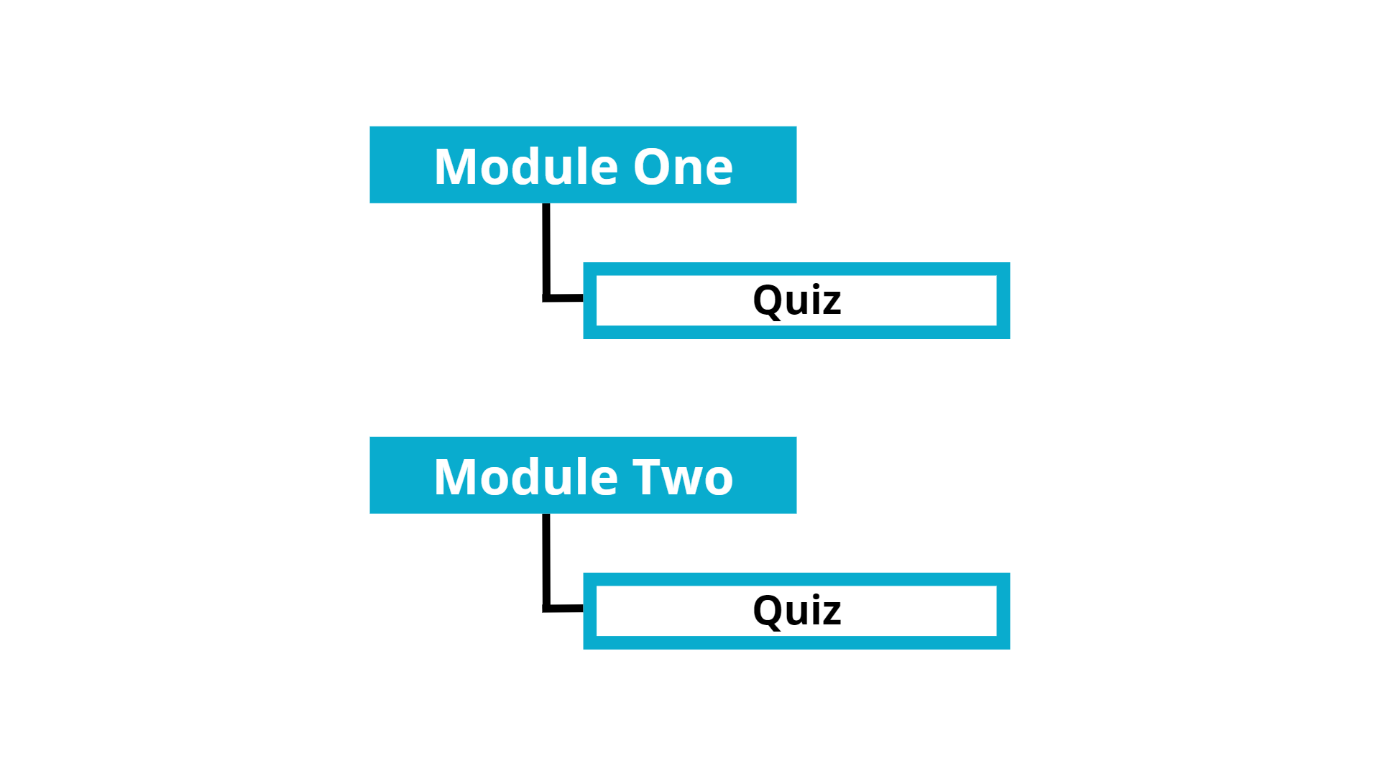
Others prefer to add a longer quiz containing multiple questions at the end of each module, as seen in the below structure:
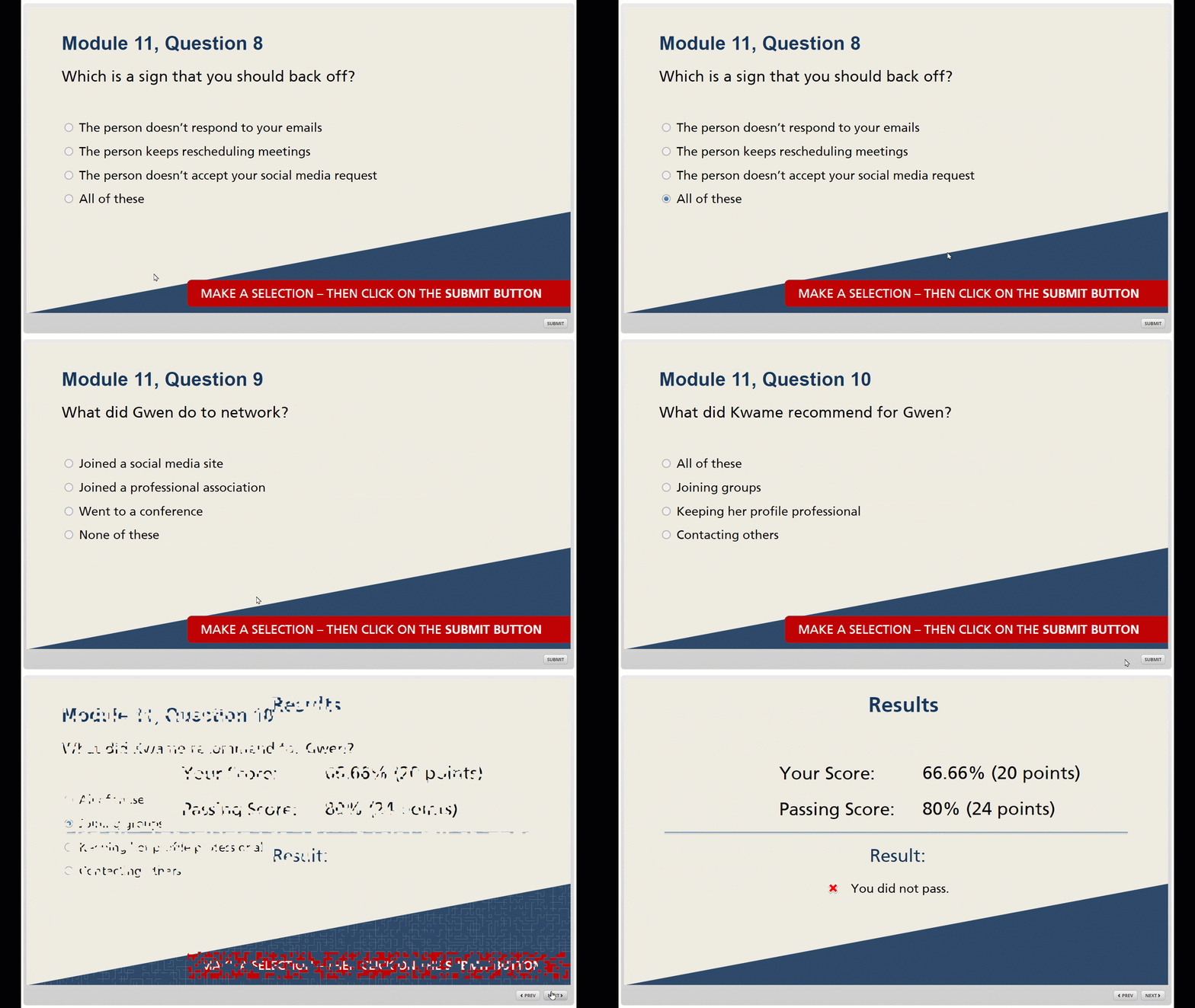
Here is an example of a quiz.
WHAT IS A TEST?
The official definition of a test is “a procedure intended to establish the quality, performance, or reliability of something”. A test in an e-learning course often appears at the end of the module or course.
These tests consist of multiple choice, pick many and free text question types and provide no feedback to the learner until they reach the end where they are given a result score.
WHERE SHOULD YOU PLACE A TEST
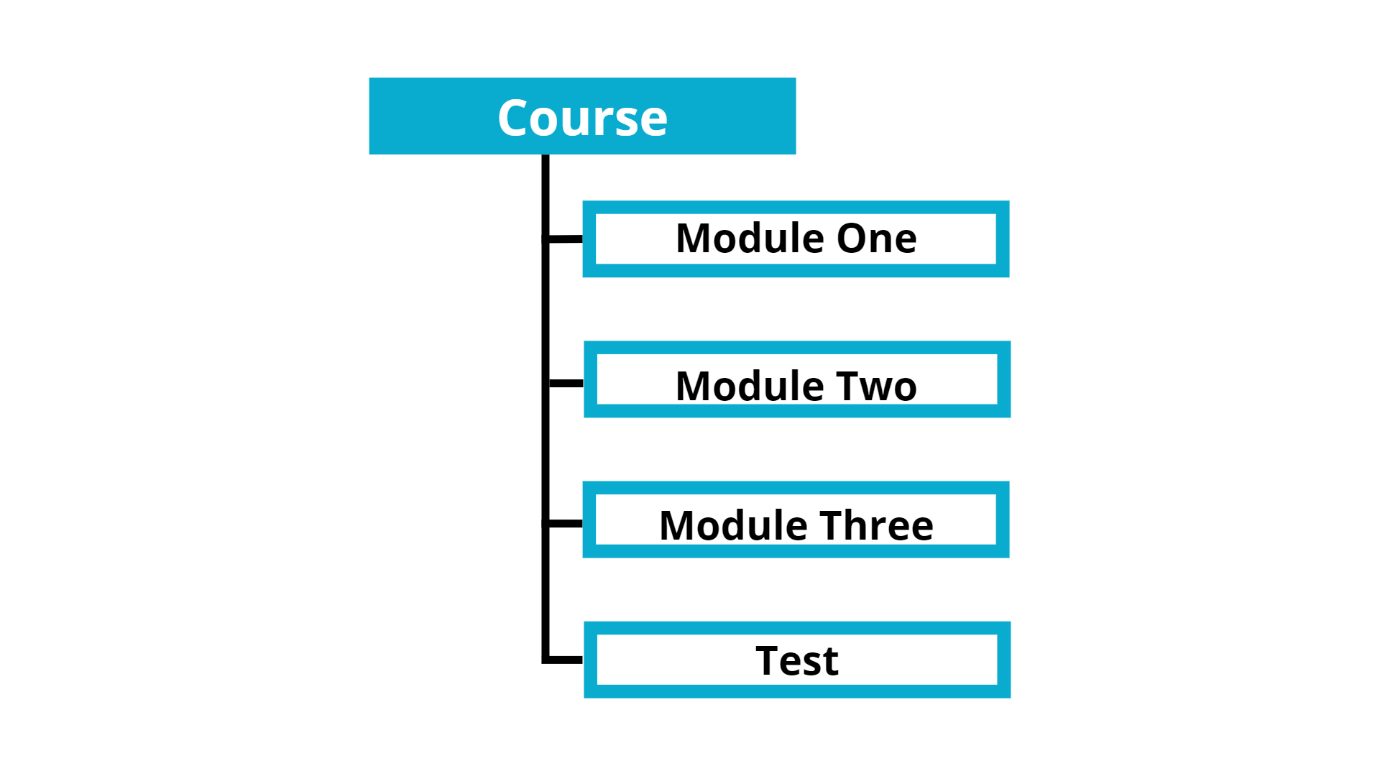
A test is usually placed at the end of a course or module, again depending on your structure. There are times when a test can be placed at the beginning of a course. These are used to determine the learner’s level and adjust the course accordingly.
A typical structure is:
Example of a test.
IN CONCLUSION
While tests and quizzes are often used synonymously, it is useful to know that they are different. A quiz is usually a short question after a topic or module that provides the learner with instant feedback based on their answer selection.
Tests on the other hand are longer and may have more challenging questions that do not provide feedback to the learner but they are given a result at the end with the number of questions they got right and if they met the requirement to progress further or complete the course.
RECENT ARTICLES

isEasy Author Review
In this Peter Review we will be looking only at isEasy Author. It is a cloud-based tool that you and your business can use to create fantastic and dynamic courses in a few minutes using an agile and autonomous way with a drag and drop interface.

Why Your eLearning Sucks and How to Fix It
In this article, we will explore three common issues that make eLearning courses subpar and offer practical solutions to fix them.

Unlocking Creativity: Finding Inspiration for eLearning Design
In this article, we’ll explore several strategies to help eLearning developers find inspiration when they feel stuck in a design rut.

How Online Learning Can Help Prevent Quiet Quitting
Quiet quitting is a growing problem in the workplace. Employees who quietly quit gradually disengage from their work and eventually leave their jobs without giving notice. This can be a major problem for businesses, as it can lead to lost productivity, knowledge, and morale.

Understanding and Avoiding Corporate Cringe
In this article, we will explore what Corporate Cringe is, why it occurs, and most importantly, how to avoid it when implementing corporate training and online learning initiatives.

Save Money and Enhance eLearning with DIY Voiceovers
When it comes to creating engaging e-learning content, a well-recorded voiceover can captivate learners and effectively convey information. While professional voiceover artists can be costly, there’s a cost-effective solution: recording your own voiceovers. In this article, we will provide valuable tips to help you achieve professional results without breaking the bank.